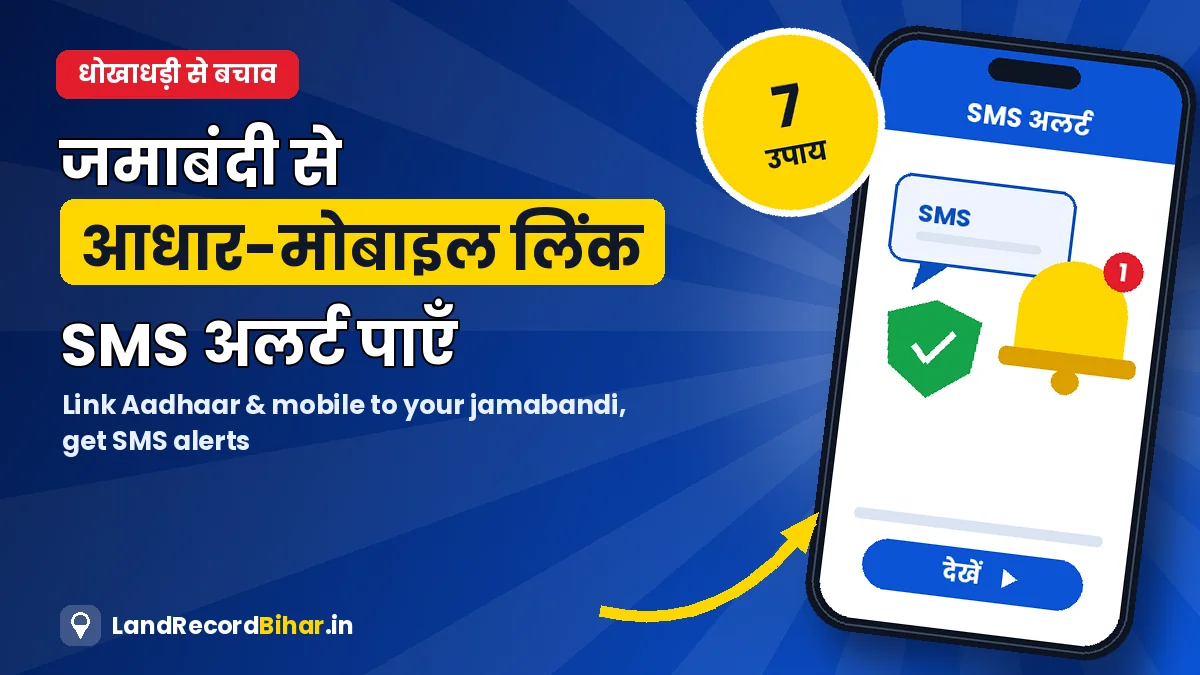
जमीन धोखाधड़ी का सबसे आम तरीका है — मालिक को बताए बिना उसकी जमीन पर किसी और के नाम दाखिल-खारिज का आवेदन। अगर आपकी जमाबंदी आधार और मोबाइल नंबर से जुड़ी है और SMS अलर्ट चालू है, तो जमाबंदी में कोई भी हलचल होते ही आपको पता चल जाता है और आप समय रहते आपत्ति कर सकते हैं। इस गाइड में आधार/मोबाइल सीडिंग की स्थिति देखने, लिंक कराने और जमीन को सुरक्षित रखने के 7 उपाय दिए गए हैं।
आधार/मोबाइल सीडिंग क्यों ज़रूरी है?
- जमाबंदी में दाखिल-खारिज, सुधार या कोई बदलाव होने पर मोबाइल पर सूचना।
- फ़र्ज़ी व्यक्ति द्वारा आपकी जमीन पर आवेदन की संभावना कम।
- रिकॉर्ड में मालिक की पहचान पक्की — पारदर्शिता बढ़ती है और विवाद घटते हैं।
सीडिंग की स्थिति कैसे देखें
- जमाबंदी संख्या निकालें: जमाबंदी पंजी से अपनी जमाबंदी और उसकी संख्या नोट करें।
- सीडिंग स्थिति पेज खोलें: बिहार भूमि पर “आधार/मोबाइल सीडिंग स्थिति” (नीचे बटन)।
- स्थान और जमाबंदी चुनें: ज़िला, अंचल, हल्का, मौजा और जमाबंदी संख्या भरें।
- परिणाम देखें: आधार और मोबाइल जुड़ा है या नहीं।
सीडिंग स्थिति देखें ↗ डैशबोर्ड पर सेवा
सीडिंग नहीं हुई है तो कैसे कराएँ
आधार और मोबाइल को जमाबंदी से जोड़ने का काम राजस्व कर्मचारी के माध्यम से होता है:
- जमाबंदी का विवरण/लगान रसीद और आधार की प्रति लेकर अपने हल्का राजस्व कर्मचारी या अंचल कार्यालय जाएँ।
- अपना सक्रिय मोबाइल नंबर दें — वही नंबर जो हमेशा आपके पास रहे।
- राजस्व महा-अभियान या विशेष शिविरों के दौरान भी यह काम कराया जा सकता है।
- कुछ दिन बाद ऊपर बताए पेज पर स्थिति फिर जाँचें।
SMS अलर्ट कैसे चालू करें
बिहार भूमि पर नागरिक लॉगिन करके “जमाबंदी पर SMS अलर्ट” सेवा चुनें, अपनी जमाबंदी जोड़ें और मोबाइल की पुष्टि करें। इसके बाद जमाबंदी में बदलाव की सूचना SMS से मिलती है।
जमीन धोखाधड़ी से बचने के 7 उपाय
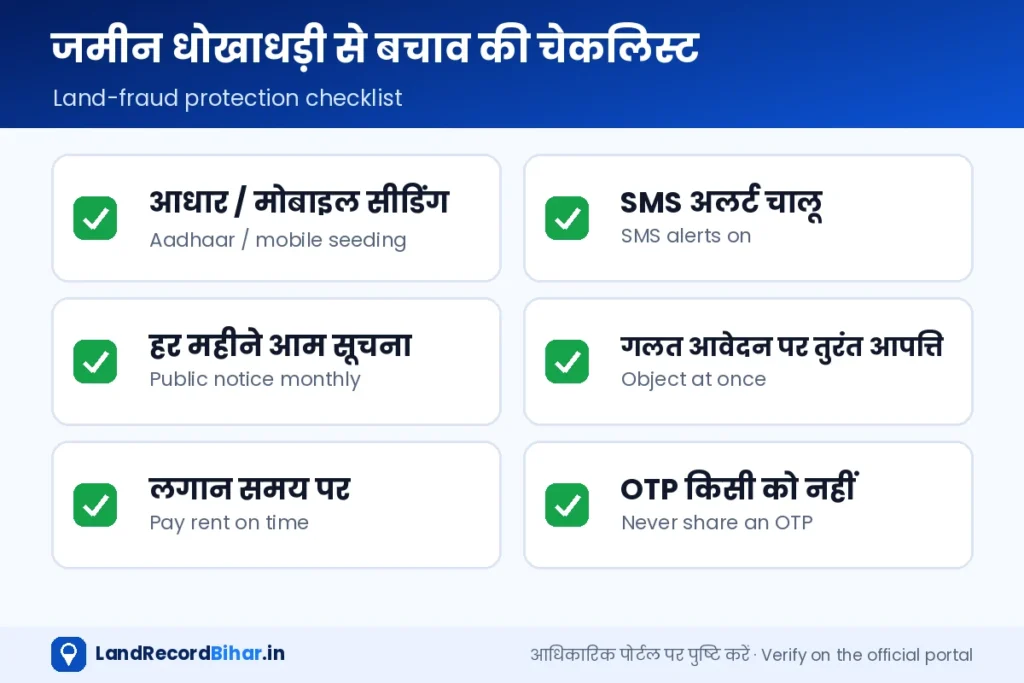
- आधार/मोबाइल सीडिंग और SMS अलर्ट चालू रखें।
- आम सूचना देखें: महीने में एक बार अपने मौजा की दाखिल-खारिज आम सूचना देखें।
- तुरंत आपत्ति: गलत आवेदन दिखे तो ऑनलाइन आपत्ति करें; आदेश हो चुका हो तो 30 दिन में DCLR अपील।
- लगान समय पर: भू-लगान अपने नाम से भरें और रसीद सँभालें।
- OTP किसी को न दें: कोई सरकारी कर्मचारी फ़ोन पर OTP नहीं माँगता।
- कागज़ों की डिजिटल कॉपी: केवाला, खतियान, जमाबंदी, एलपीसी की स्कैन ईमेल/क्लाउड में रखें।
- मौके पर नज़र: खाली जमीन पर समय-समय पर जाएँ; ज़रूरत हो तो ई-मापी से सीमा पक्की कराएँ।
17 अगस्त 2026 से लागू पेपरलेस रजिस्ट्री में खरीदार और विक्रेता की फ़िंगरप्रिंट और आइरिस से पहचान होती है, जिससे फ़र्ज़ी व्यक्ति खड़ा करके रजिस्ट्री कराना मुश्किल हुआ है। विस्तार हमारी पेपरलेस रजिस्ट्री गाइड में।
अक्सर पूछे जाने वाले प्रश्न
क्या आधार लिंक करना अनिवार्य है?
विभाग इसे पारदर्शिता और धोखाधड़ी रोकने के लिए बढ़ावा देता है। अपने हित में इसे ज़रूर कराएँ।
मोबाइल नंबर बदल गया तो?
नए नंबर के लिए हल्का कर्मचारी/अंचल कार्यालय से अपडेट कराएँ और बिहार भूमि लॉगिन में भी नंबर बदलें।
संयुक्त जमाबंदी में किसका आधार जुड़ेगा?
जमाबंदी में दर्ज रैयतों के विवरण के अनुसार; अंचल कार्यालय से पूछें।
निष्कर्ष: दो काम आज ही करें — जमाबंदी की आधार/मोबाइल सीडिंग जाँचें और SMS अलर्ट चालू करें। इसके बाद महीने में एक बार आम सूचना देखना आपकी जमीन का सबसे सस्ता बीमा है।
The most common land fraud is a mutation application on someone’s land in another person’s name, filed without telling the owner. If your jamabandi is linked to Aadhaar and your mobile number and SMS alerts are on, you learn of any change straight away and can object in time. This guide covers checking seeding status, getting it linked, and 7 ways to keep your land safe.
Why seeding matters
- A mobile alert whenever your jamabandi sees a mutation, correction or other change.
- Less chance of an impostor applying on your land.
- The owner’s identity is firm in the record — more transparency, fewer disputes.
Checking seeding status
- Get your jamabandi number from the jamabandi register.
- Open the seeding status page: “Aadhaar/mobile seeding status” on Bihar Bhumi (button below).
- Select location and jamabandi: district, circle, halka, mauza and jamabandi number.
- Read the result: whether Aadhaar and mobile are linked.
Check seeding status ↗ On the dashboard
Not seeded? Getting it done
Linking Aadhaar and mobile to the jamabandi is done through the revenue karmachari:
- Take your jamabandi details/rent receipt and an Aadhaar copy to your halka revenue karmachari or the circle office.
- Give an active mobile number — one you will always keep.
- It can also be done at Revenue Maha-Abhiyan or special camps.
- Re-check the status page after a few days.
Turning on SMS alerts
Log in as a citizen on Bihar Bhumi, choose “SMS alerts on jamabandi”, add your jamabandi and confirm your mobile. You’ll then get an SMS about changes to your jamabandi.
Seven ways to guard against land fraud
- Keep Aadhaar/mobile seeding and SMS alerts on.
- Watch public notices: check your mauza’s mutation notices once a month.
- Object at once: file an online objection to a wrong application; if already ordered, appeal to the DCLR within 30 days.
- Pay rent on time in your name via Bhu-Lagan and keep receipts.
- Never share an OTP: no government official asks for one on the phone.
- Digital copies: keep scans of deeds, khatiyan, jamabandi and LPC in email/cloud.
- Visit the land: check vacant plots regularly; fix boundaries with an e-Mapi measurement if needed.
Since 17 August 2026, paperless registration identifies buyer and seller by fingerprint and iris, making impostor registrations much harder. More in our paperless registry guide.
FAQs
Is Aadhaar linking compulsory?
The department promotes it for transparency and fraud prevention. It’s in your interest to get it done.
Changed my mobile number?
Update it through the halka karmachari/circle office and in your Bihar Bhumi login.
Whose Aadhaar goes on a joint jamabandi?
That of the raiyats recorded in the jamabandi; ask the circle office.
Bottom line: do two things today — check your jamabandi’s Aadhaar/mobile seeding and turn on SMS alerts. After that, a monthly look at public notices is the cheapest insurance your land can have.